 by
by This documentation covers how to display a custom field.
Create a Field Group by clicking “Add New” button.
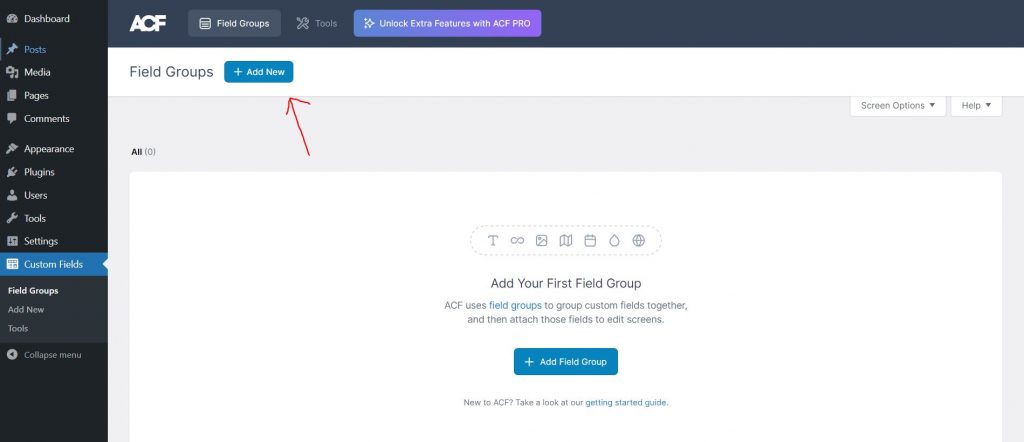
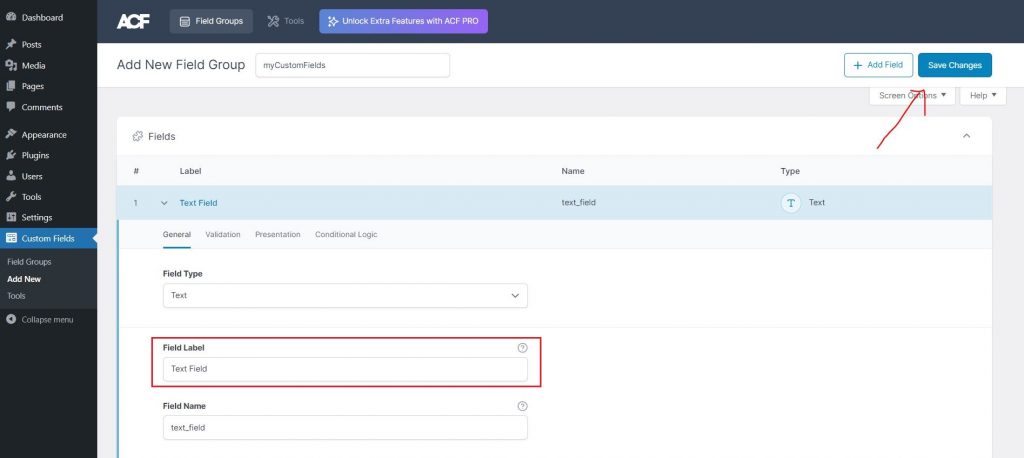
After clicking Add new you can now add your fields. (in this tutorial we will only add one field.)
Select the Type of Field you want in the Field Type (ex: Text) and Enter your Field Label.
and you can now click Save Changes.
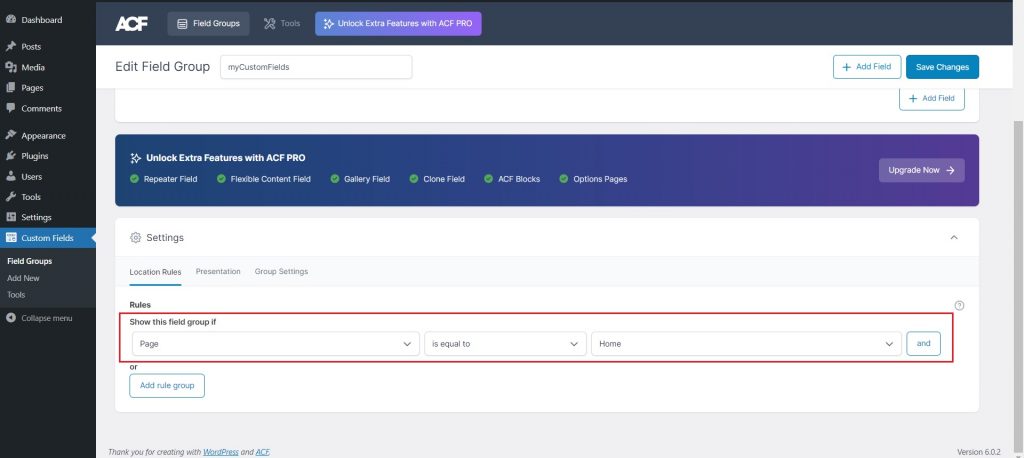
Next is we need to set a Rule where to show your custom field group.
in this example I select Page and specific to Home page only.
and then don’t forget to click Save Changes again
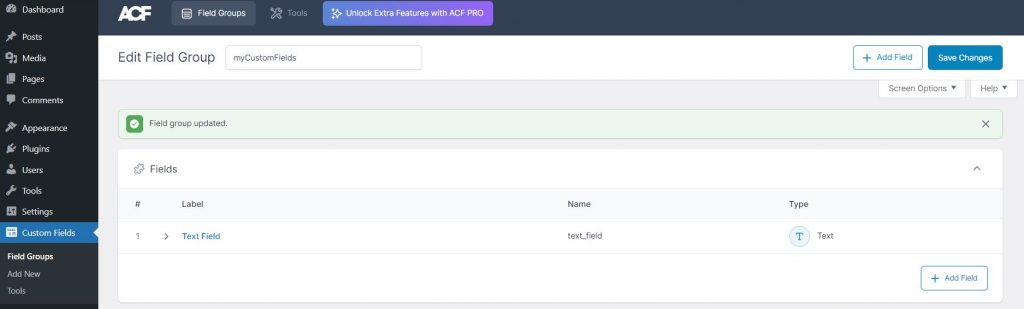
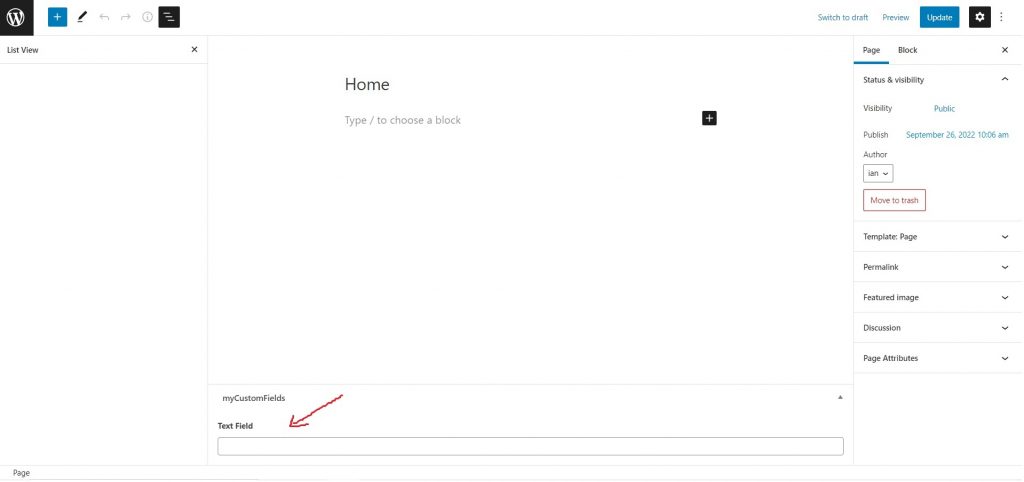
Now that we created our custom field group, we can now go to the page where you choose to show your field/s.
in this example my custom field is now showing on my Home page.
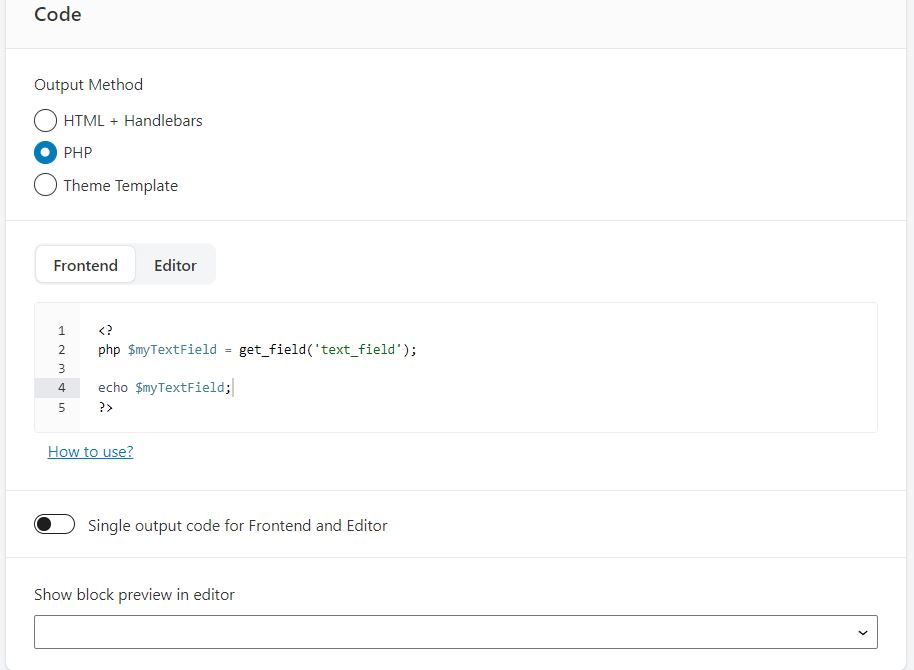
But first we need to add a PHP code to display our Custom fields using Lazy Blocks.
Every field needs to be called specifically so the more fields the more we use this PHP code.
In this code we get the field name (‘text_field’) and store it in a variable echo out.
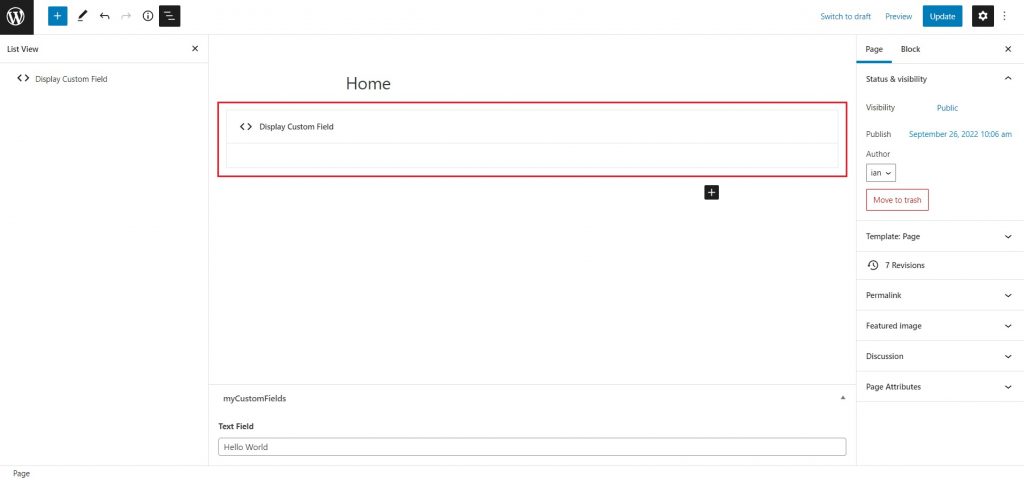
Now go back to your page and add the Lazy block that you created.
Enter your desired text on your custom field (ex: Hello World) and click Update.
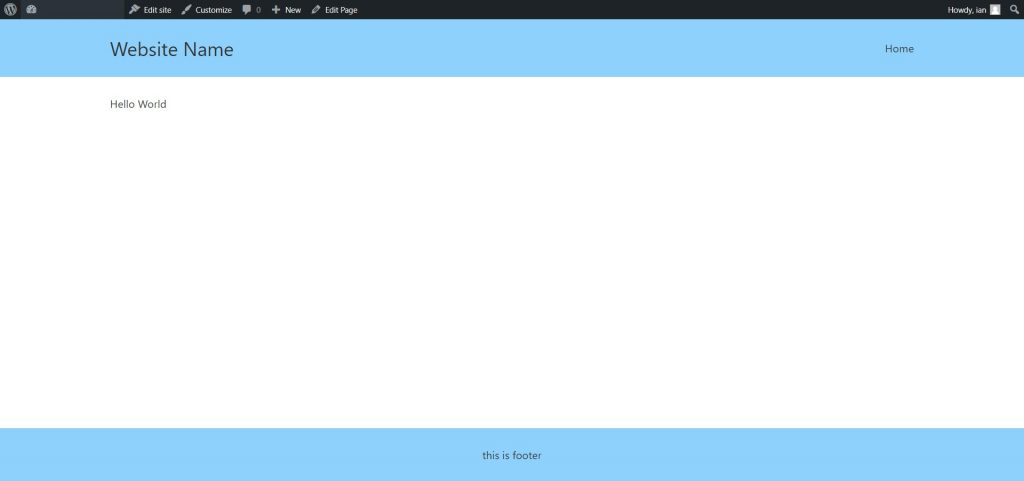
Now go to the frontend of your website and you will see that you successfully create and display a custom field.
for more information about custom fields you can visit their full documentation here.