by
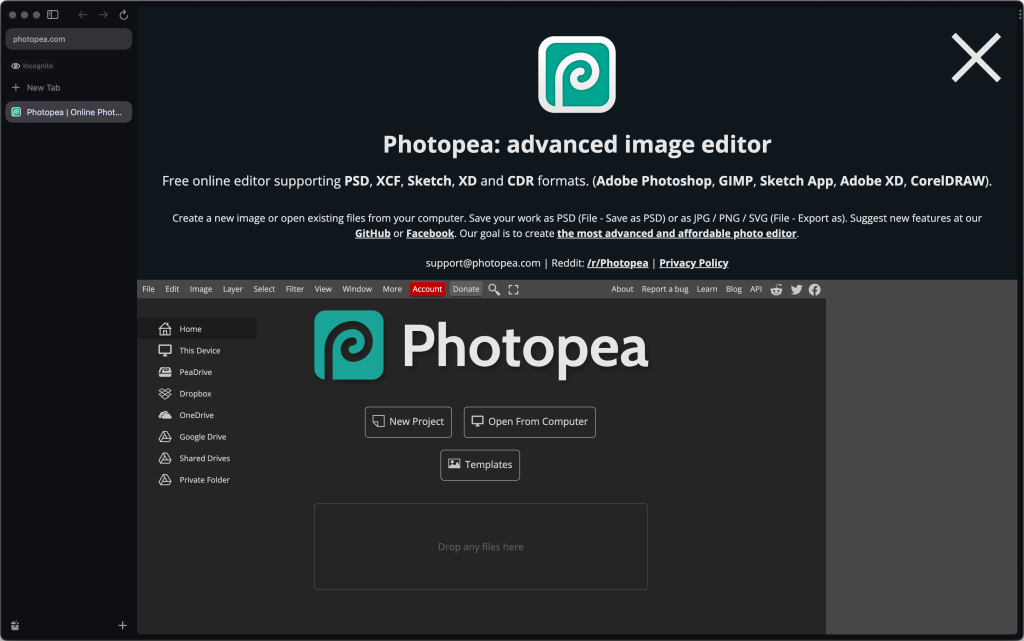
by Photopea is an online alternative for Photoshop that can open PSD, XD, Sketch, XCF, and CDR files, and I primarily use this tool to optimize assets before uploading them to the website.
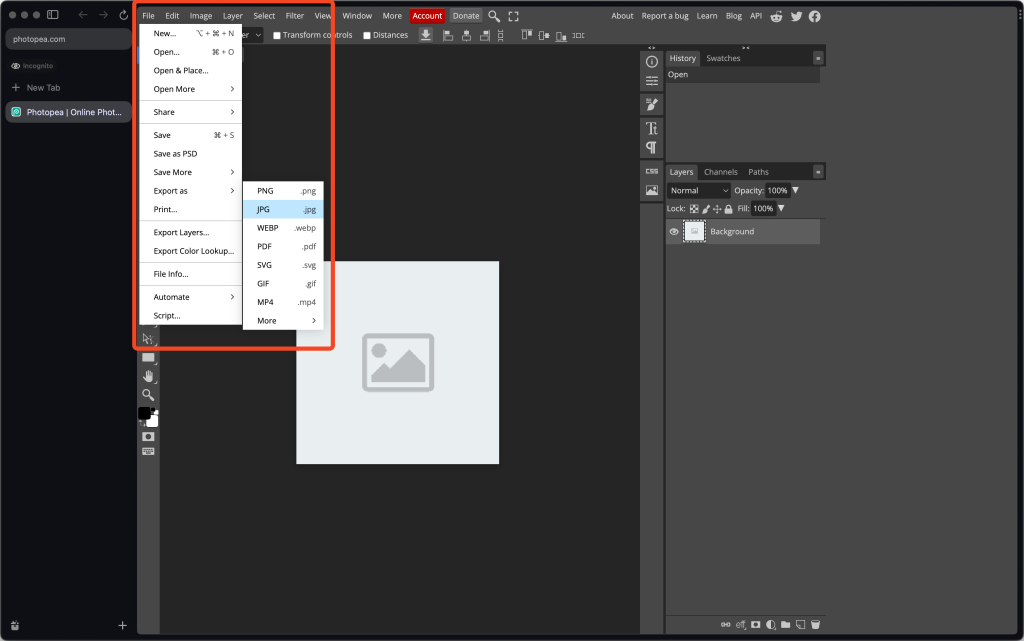
To edit and optimize an image, just drag and drop it onto the tool. To save an optimized copy of the image, click File > Export as then select the image format. For images with transparent elements, choose PNG and for images without any transparent elements, choose JPG.
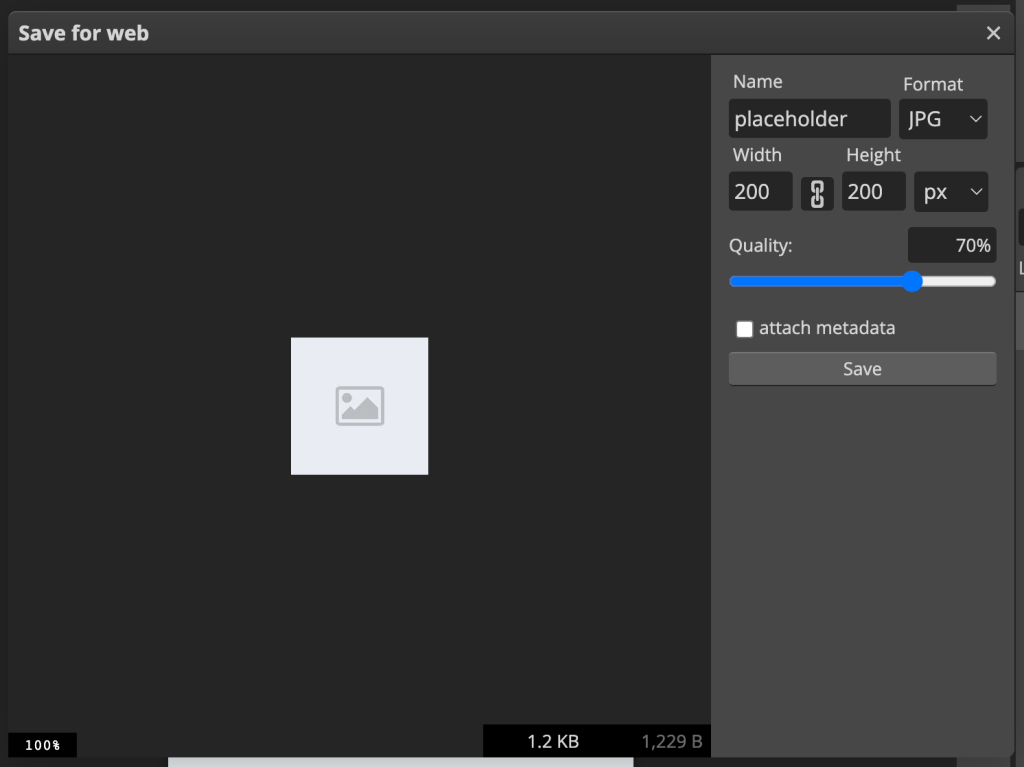
You can then change the name, the quality, and the size of the image before saving.