 by
by This feature is useful in identifying site errors or why the website crashed unexpectedly, modifying/creating custom plugins or creating custom PHP blocks for Gutenberg, or if you just want to log something through PHP.
Make sure you have FTP access to the website you want to debug/modify.
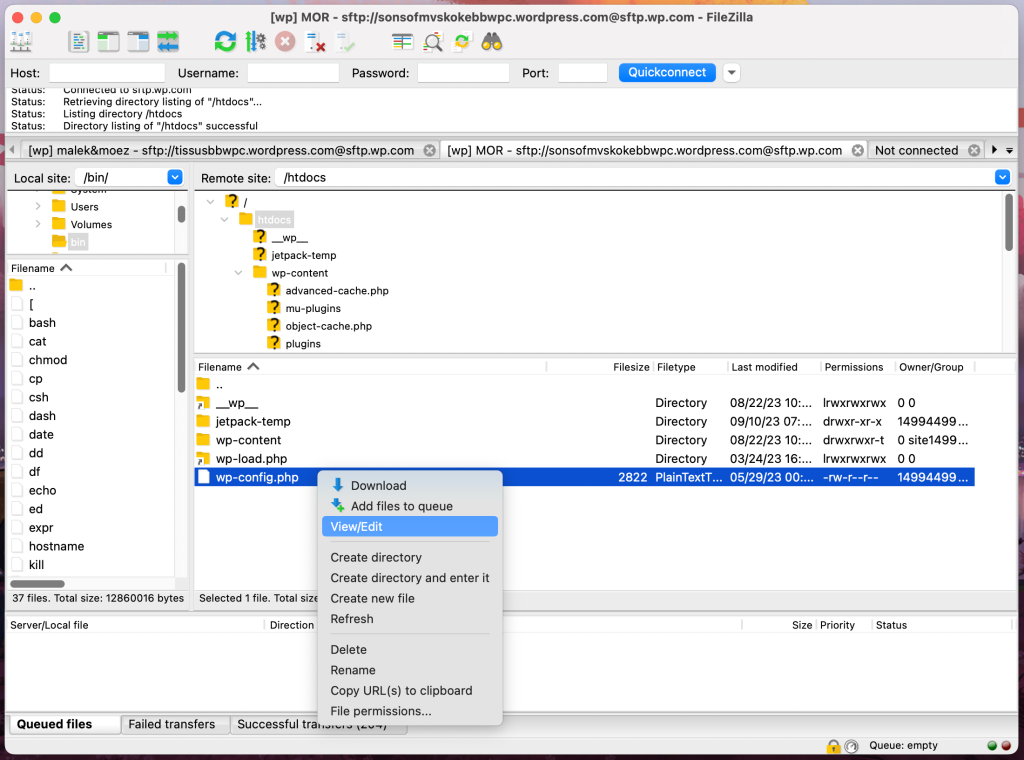
Navigate to htdocs and edit the file named wp-config.php.
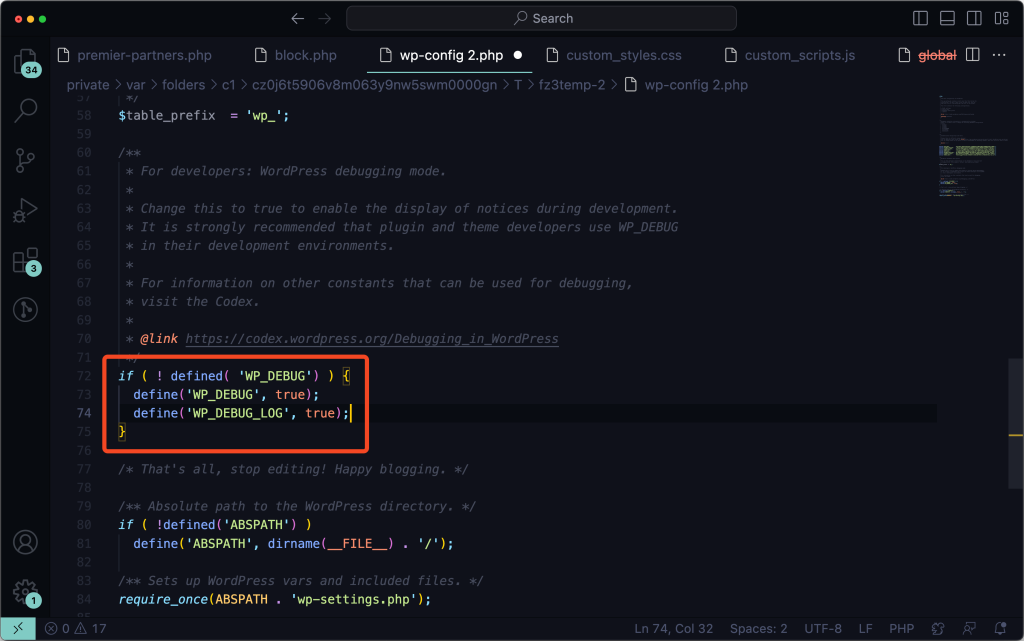
Set define('WP_DEBUG', false) to true and add define('WP_DEBUG_LOG', true); to generate a log file that logs every PHP error/notices.
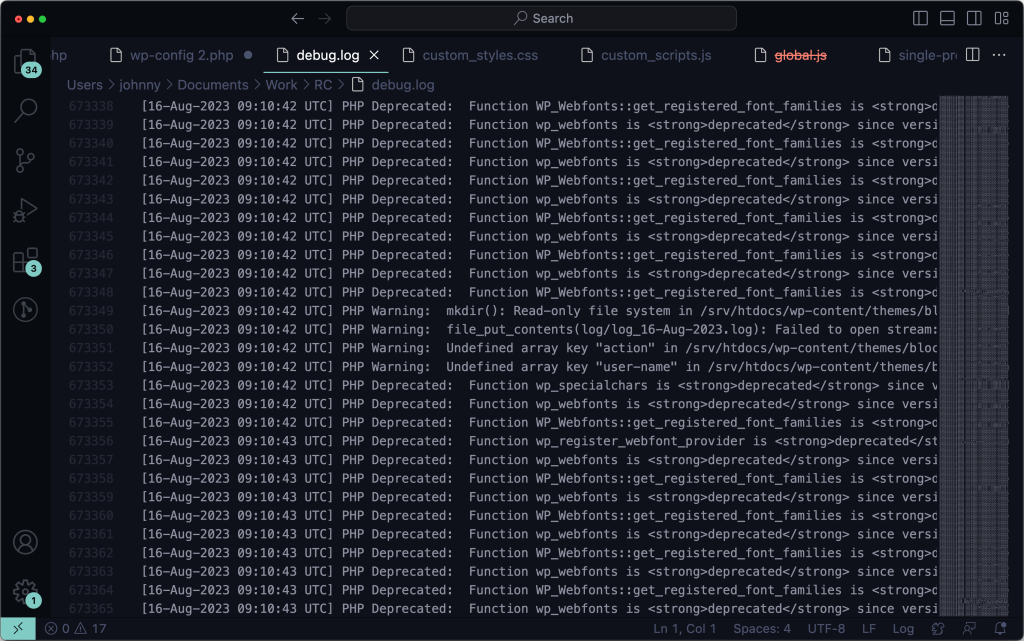
If you’ve triggered an error or warning, the log file will start recording the information. You can access the debug log file by going to the site’s wp-content directory and opening the debug.log file.
You can also log custom messages in the log file by adding this custom function.
Please disable WP_DEBUG and WP_DEBUG_LOG to avoid bloating the log file.