by
by The easiest way to establish a connection between these two platforms, SendGrid and Ninja form is through Bit Integration plugin.
AN OVERVIEW WITH BIT INTEGRATION PLUGIN: This plugin acts as a bridge between platforms, using Triggers and Actions. Triggers capture data, like form submissions (Contact Form 7, WP Forms, etc.), while Actions send it to CRM, Email Marketing Software, Project Management Tools, Data Collection Tools, and other WordPress plugins.
First is to install the plugin to your staging, including the Ninja Forms plugin.
Next is to head over to Bit Integration dashboard and click Create Integration.

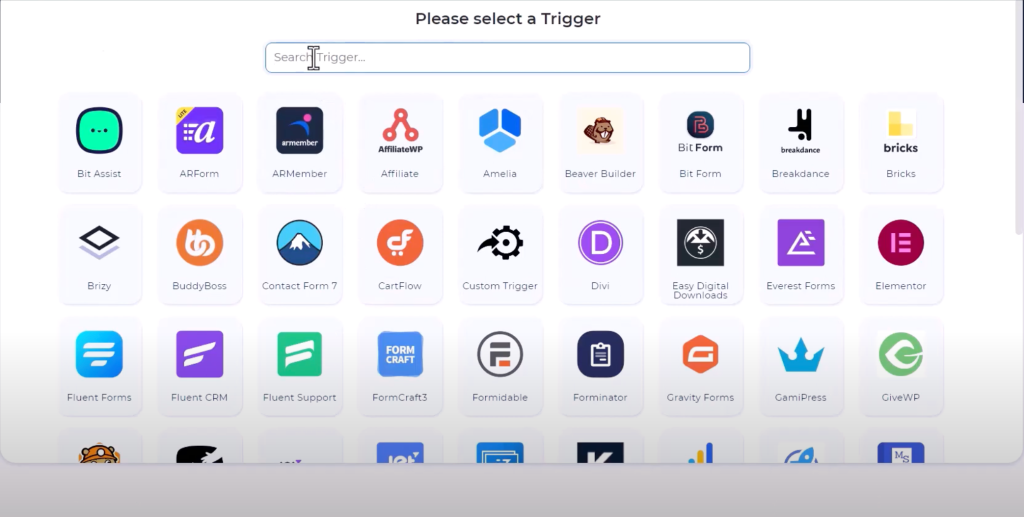
We are selecting the Ninja form for the trigger part. Search Ninja form and select.
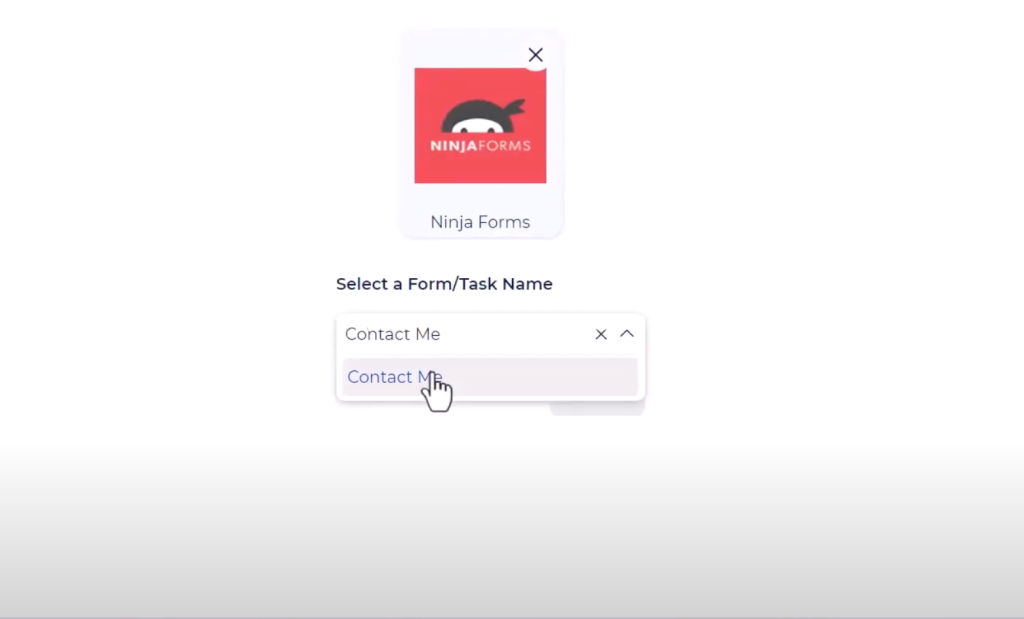
Select the form you have created on Ninja Form. Sample form: Contact Me, click Next.
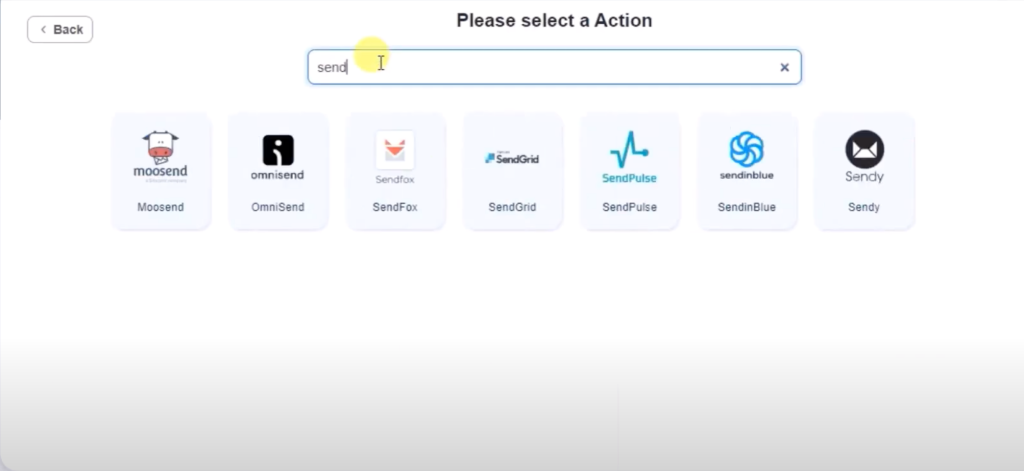
Now we are now selecting the Action, this is where we connect SendGrid. Search SendGrid and select.
You can name anything for the Integration Name, and paste the SendGrid API Key supplied from the client.
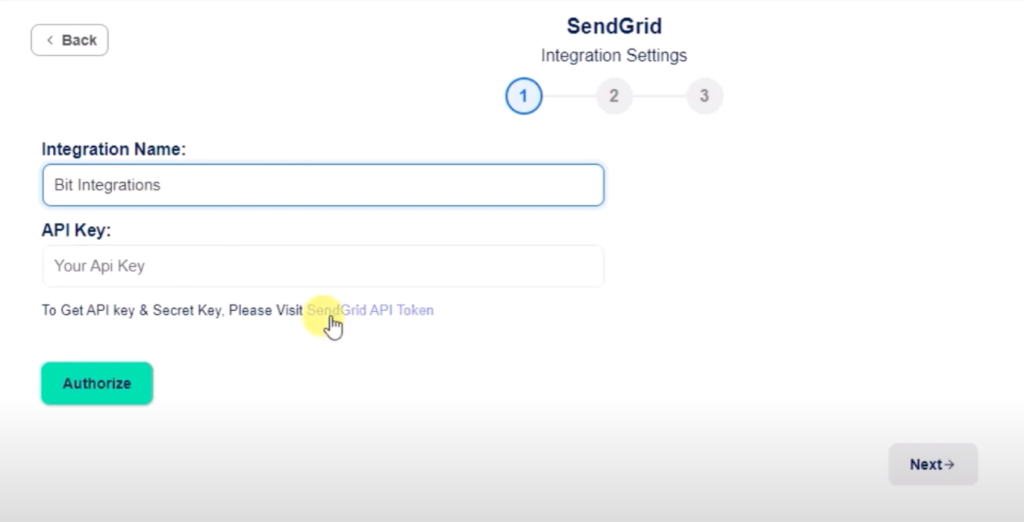
Click Authorize and a prompt message will appear “Authorized Successfully”. Click Next.
The next phase is field mapping where we match the fields from Ninja form and SendGrid fields.
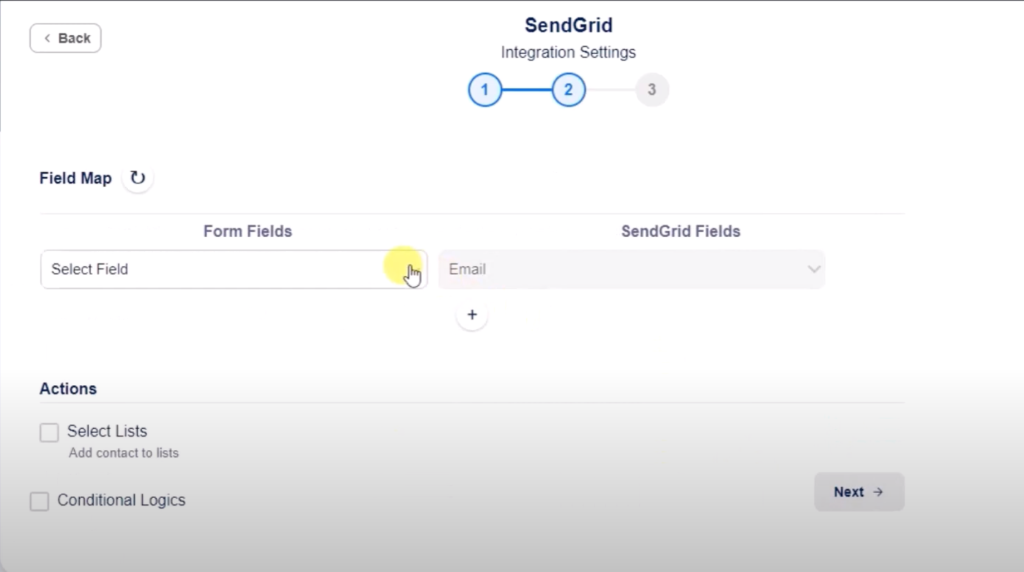
Match each fields.
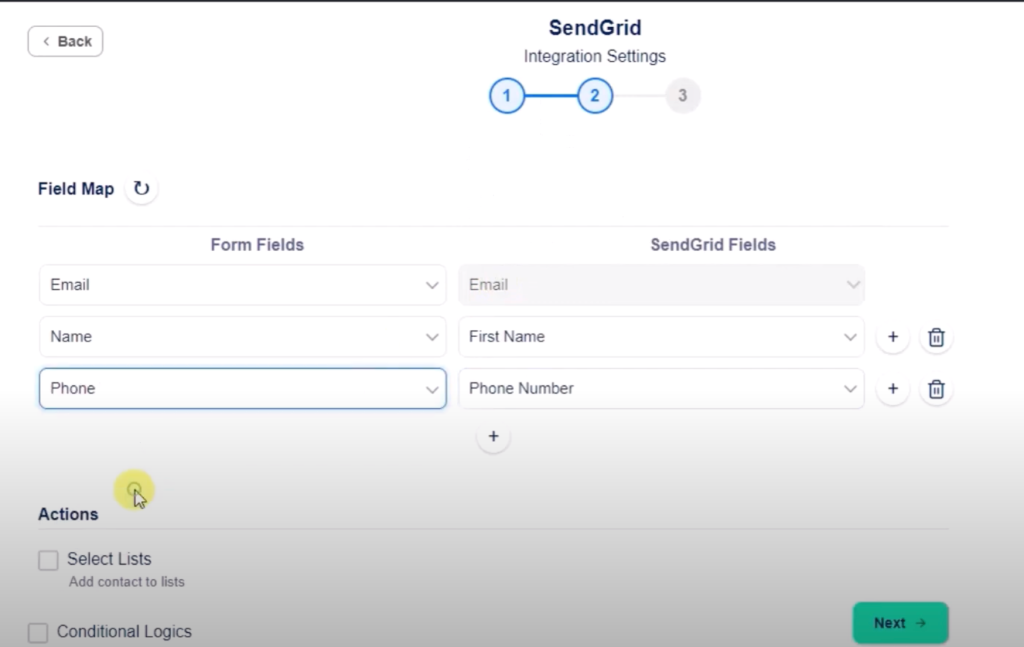
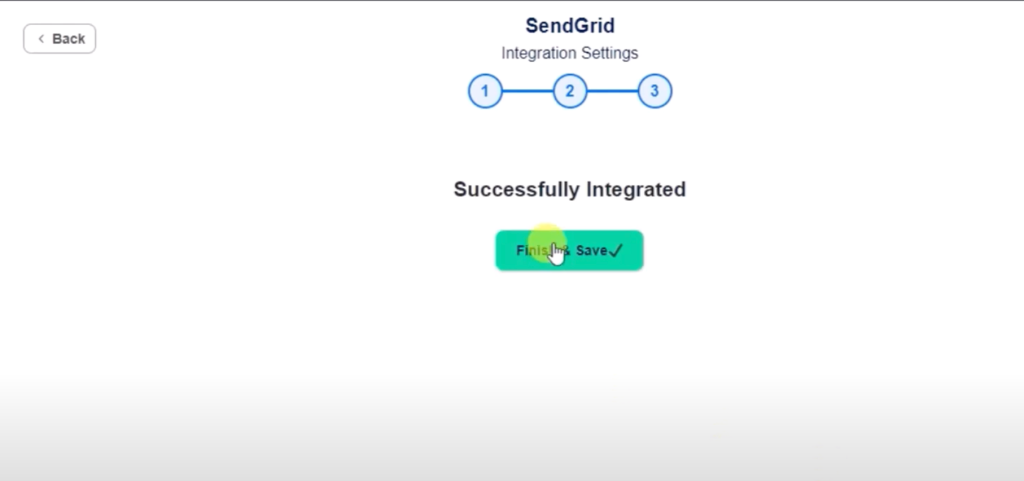
Click Next. Integration successfully done. Click Finish & Save.