 by
by Add ACF field
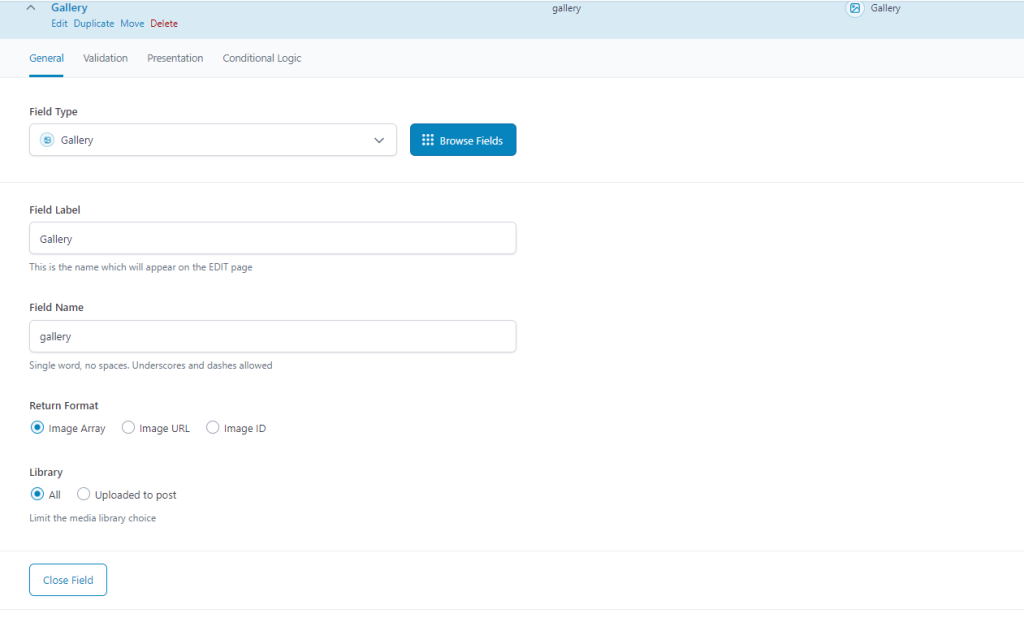
- Create an ACF with the field type oEmbed.
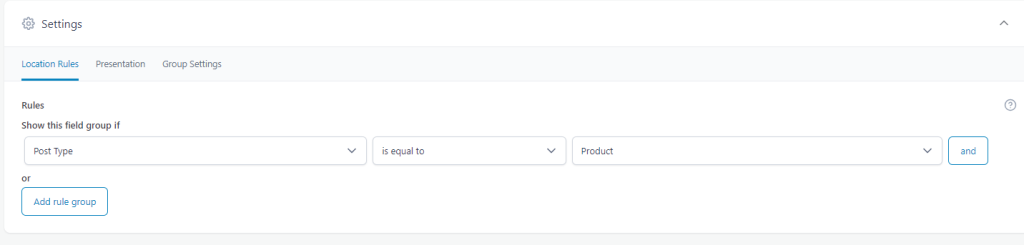
- In Settings, select Post Type is equal to Product (any Custom Post Type).
Add Lazyblock
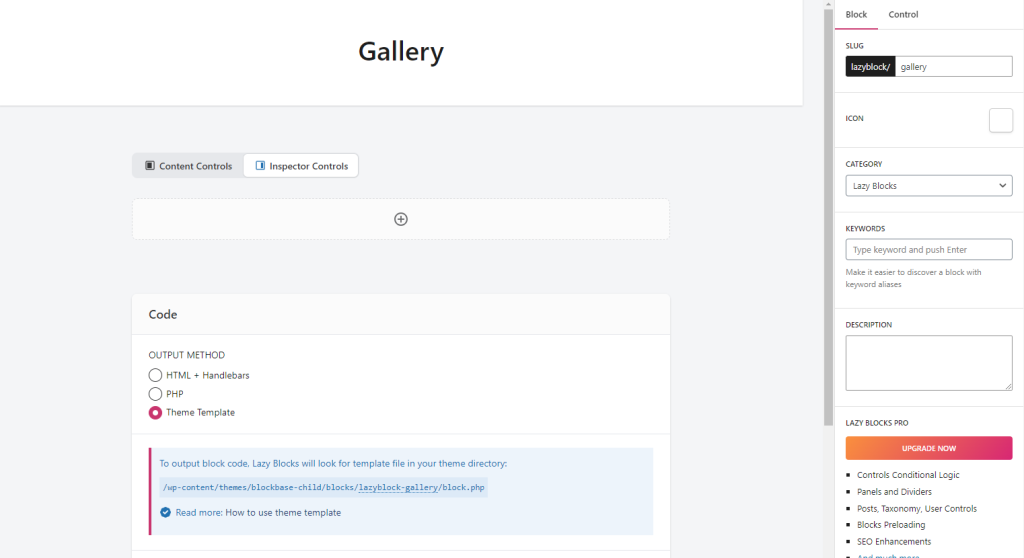
- Add a block without any content and controls.
- Select Theme Template
- On the theme template, copy and paste the code.
<style>
 	.slider{
		display: flex;
		overflow:hidden;
	}
	.slider .slick-track {
		display: flex;
		gap: 13px;
	}

	.slider .slick-track .slick-slide.slick-current{
		margin-left:-13px;
	}
	.slider .slick-track .slick-slide.slick-active:last-child{
		margin-right:-13px;
	}

	.slider .slick-slide{
		height: 175px !important;
    	width: 200px;
		background:var(--wp--preset--color--tertiary) !important;
		align-items: center;
		display: flex;
		justify-content: center;
	}
	.slider .slide img{
		height:100%;
		width:100%;
		object-fit:cover;
	}

	@media all and (max-width:1024px){
		.slider .slick-slide {
			height: 130px !important;
		}
	}
	@media all and (max-width:834px){
		.slider .slick-slide {
			height: 200px !important;
		}
	}
	@media all and (max-width:540px){
		.slider .slick-slide {
			height: 130px !important;
		}
	}
	@media all and (max-width:480px){
		.slider .slick-slide {
			height: 100px !important;
		}
	}
	@media all and (max-width:414px){
		.slider .slick-slide {
			height: 88px !important;
		}
	}
	@media all and (max-width:390px){
		.slider .slick-slide {
			height: 85px !important;
		}
	}
	@media all and (max-width:360px){
		.slider .slick-slide {
			height: 75px !important;
		}
	}
</style>

<?php
$images = get_field('gallery');

if ($images): ?>
    <div class="slider">
        <?php foreach ($images as $image): ?>
            <div class="slide">
                <img src="<?php echo $image['url']; ?>" alt="<?php echo $image['alt']; ?>">
            </div>
        <?php endforeach; ?>
    </div>
<?php endif; ?>


<script src="https://code.jquery.com/jquery-3.6.0.min.js"></script>
<script>
jQuery(document).ready(function( $ ){
    $('.slide img').on('click', function() {
        var imageUrl = $(this).attr('src');
        $('.wp-block-post-featured-image img').attr('src', imageUrl);
		$('.wp-block-post-featured-image img').attr('srcset', imageUrl);
    });

	$('.slider').slick({
            rows: 1,
            dots: false,
            arrows: false,
            infinite: false,
            speed: 300,
            slidesToShow: 3,

        });
});
</script>
- Review and modify the code based on your preferred style and preferences.
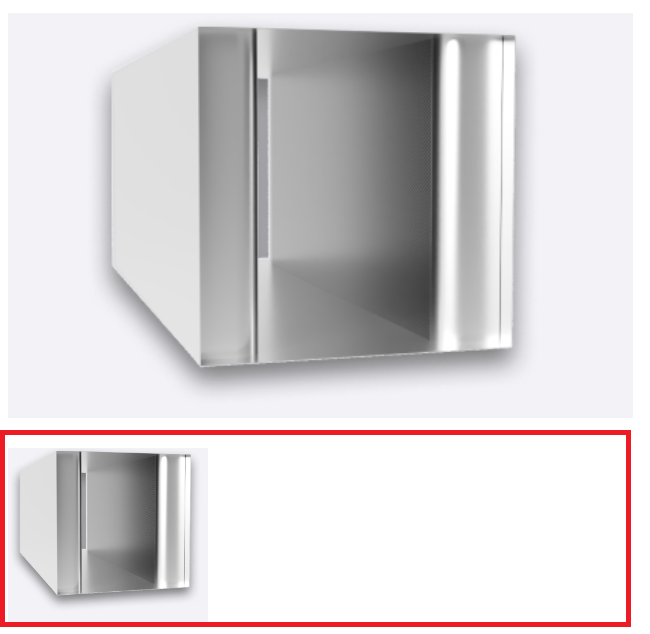
Display the block to the single custom post-type template by using the custom block you created.