by
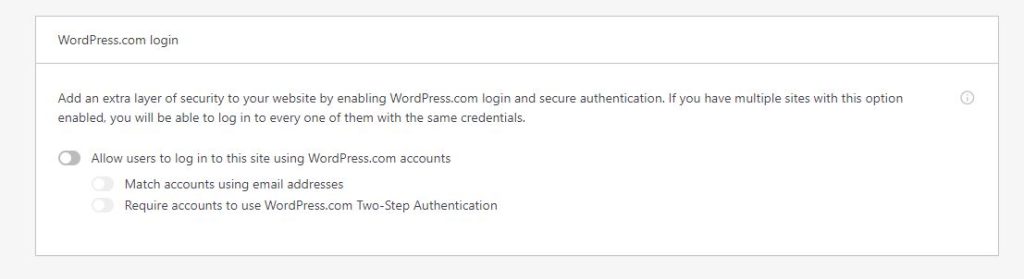
by If SSO (Single Sign-on) is enabled on a certain site, the site can be accessed by a WordPress.com account that is used to log in on multiple websites on WordPress.com.
However, If the website has LMS or membership features, it is advisable to disable the SSO of the site so both the admin and the user can access the same login form. Since SSO has been disabled, the account will not be able to log in to the site because it will be converted to a single-site account. So, just reset the password of the account in different ways whether in the backend or through reset password functionality to access the backend of the site again.
Jetpack->Dashboard->Settings