 by
by if ( ! function_exists( 'wp_register_webfonts' ) ) {
return;
}
wp_register_webfonts(
array(
array(
'font-family' => 'custom fonts name',
'font-weight' => '400',
'font-style' => 'normal',
'font-stretch' => 'normal',
'src' => array( get_theme_file_path('assets/fonts/custom-fonts-here.woff2') ),
),
)
);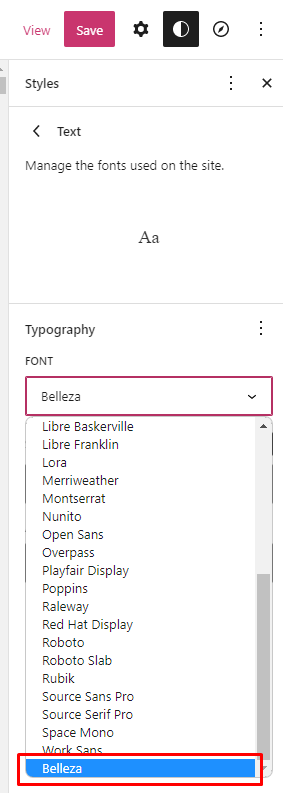
Output
First upload the font.woff2 file inside assets/fonts/ and go to admin dashboard —> Tools —> Theme File Editor. There add the snippets below: